
Professional Laptop Data Recovery for Deleted, Corrupted, and Damaged Storage
Data stored on laptops often contains valuable personal memories, professional documents, and essential business information. Losing this data due to accidental deletion, hardware failure, or system corruption can create serious disruptions.
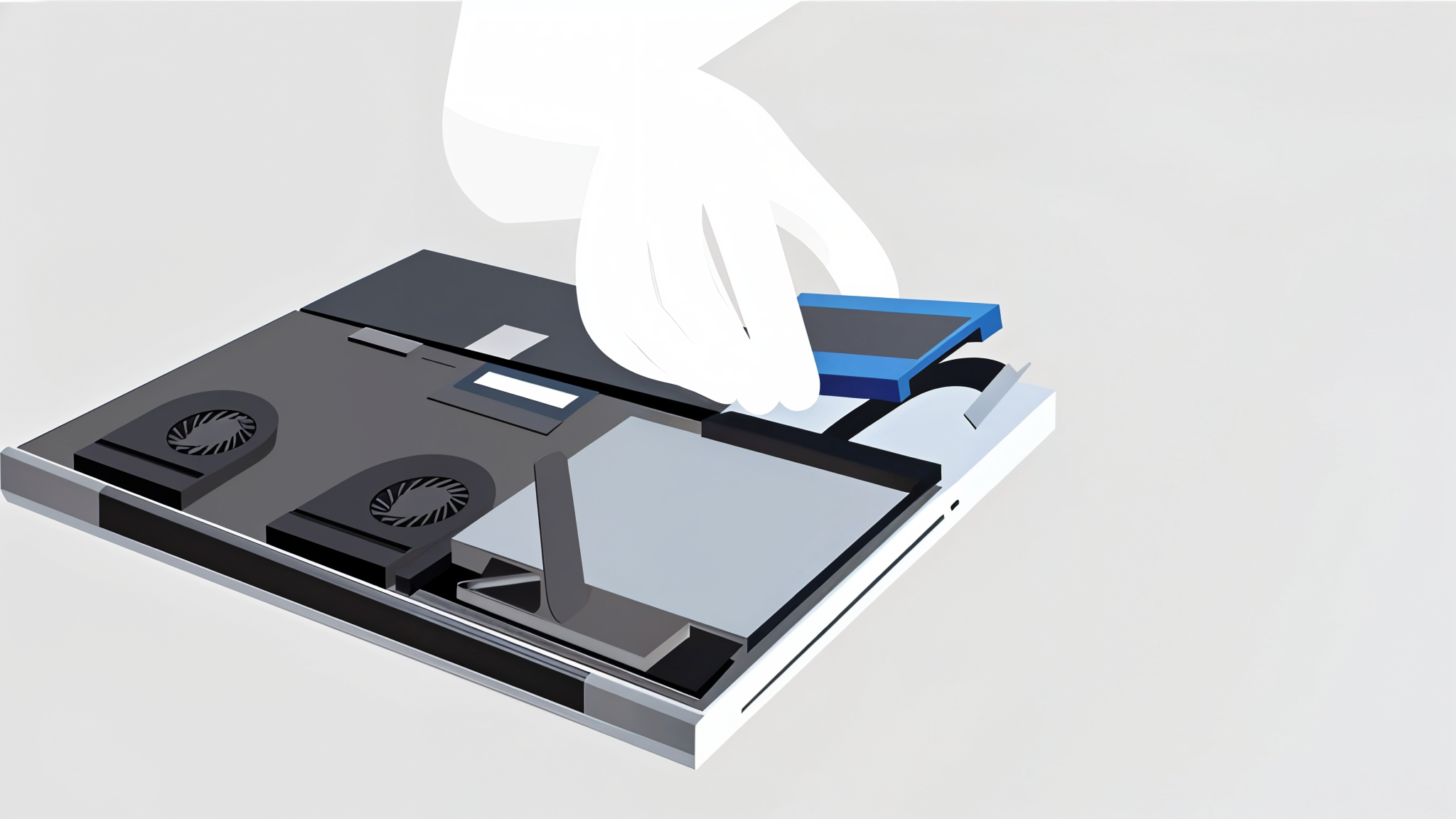
Laptop Data Recovery Services for Complete File Restoration
Modern laptops use a combination of hard disk drives, solid-state drives, and advanced NVMe storage technologies. Because of this complexity, laptop data recovery requires specialized tools, technical expertise, and controlled recovery procedures. Attempting unprofessional repair or DIY recovery methods may overwrite recoverable data, reducing the chances of successful restoration.
Common Causes of Laptop Data Loss
Accidental Deletion and Formatting
Users frequently delete important files or format partitions unintentionally. Logical laptop data recovery techniques can restore such data if action is taken quickly.
Operating System Failure
Boot errors, update failures, and system crashes may prevent access to files even when data remains intact.
Hard Drive or SSD Failure
Mechanical wear in HDDs and firmware issues in SSDs are major reasons requiring advanced laptop data recovery procedures.
Malware and Ransomware
Viruses and encryption attacks can corrupt or block access to files, making professional recovery essential.
Physical Damage
Overheating, accidental drops, liquid exposure, and electrical faults can cause storage failure requiring specialized recovery environments.
Types of Laptop Data Recovery Solutions
Logical Recovery
Recovering deleted files, formatted partitions, corrupted folders, and inaccessible operating systems without hardware damage.
SSD and NVMe Recovery
Solid-state storage requires controller repair, firmware reconstruction, and chip-level techniques for effective recovery.
Physical Damage Recovery
When the storage device is physically damaged, hardware repair and component replacement may be required before data extraction.
Ransomware & Encrypted File Recovery
Secure recovery techniques are applied to retrieve files affected by encryption or malware attacks.
Business and Professional Recovery
Priority recovery services help restore critical work files, databases, and project data.
Warning Signs That Indicate Laptop Data Recovery Is Needed
If any of these signs appear, stopping device usage and seeking laptop data recovery assistance is recommended.
Benefits of Professional Laptop Data Recovery
Higher Recovery Success
Specialized tools and proprietary techniques increase the likelihood of retrieving lost files.
Data Confidentiality
Secure handling ensures personal and business data remains protected throughout the recovery process.
Prevention of Additional Damage
Improper recovery attempts may overwrite data or damage storage components permanently.
Advanced Equipment and Expertise
Controlled environments and professional imaging tools enable recovery from complex failures.
Laptop Storage Devices Supported
Laptop Data Recovery Process
Initial Evaluation
Technicians analyze the storage device to determine damage level and recovery feasibility.
Diagnosis and Recovery Planning
The best recovery method is selected based on logical or physical damage.
Secure Data Extraction
Advanced software and hardware tools are used to recover files without altering original data.
Verification and Delivery
Recovered data is validated for integrity before being delivered securely.
Emergency Laptop Data Recovery
Time-sensitive data loss situations require urgent laptop data recovery solutions. Emergency recovery helps restore access to essential documents, research files, and business information quickly, minimizing downtime and stress. Priority recovery is especially useful for professional deadlines, financial data, and academic work.
Preventing Future Laptop Data Loss
Frequently Asked Questions
Request Laptop Data Recovery
Fill the form and we respond within 1 hour. Free analysis — no data, no charge.
Ready to recover your data?
Get a free 15–25 minute analysis. No data, no charge.
Vishrantwadi, Pune, Maharashtra