Service Assessment
Problem Description
Such symptoms clearly point to read–write head failure combined with firmware corruption — DIY attempts or software tools can cause irreversible platter damage.
Error Code & Technical Indicators
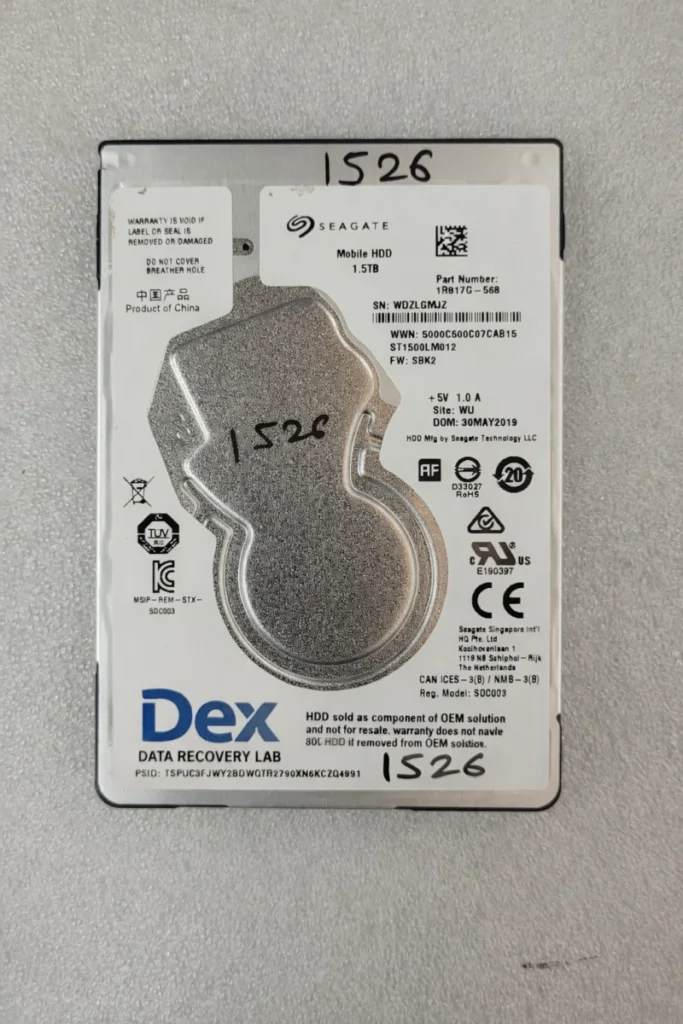
During diagnostics, the SEAGATE ST1000DM010 returned repeated access failures and unstable readiness states. Firmware modules failed to load properly, preventing safe logical access to the disk surface in Nashik.
| 001 | CopyTech Key... Requesting FW Pkg ver ........ RT0898.SDM2.CC4679.SBK2 |
| 002 | Detecting SA Phys Sct Size... Result.................................. : 4096 |
| 003 | Detecting UA Phys Sct Size... Result.................................. : 4096 |
| 004 | Detecting Max Head number... Phys. heads............................. : 4 |
| 005 | Obtaining Saved Mode Pages File information... |
| 006 | Reading Saved Mode Pages... |
| 007 | Parsing Saved Mode Pages... |
| 008 | SMP Dbl: 0x3C001000 - 0x0001FFFF (0x0000000F) |
| 009 | LBA alignment........................... : 0 |
| 010 | Obtaining Registry File information... |
| 011 | Reading Registry File... |
| 012 | Parsing Registry File... |
| 013 | Media Cache =========== |
| 014 | MC : disabled |
Understanding the Challenge
Seagate ST1000DM010 drives are known to store dense data on sensitive platters. In this case, the read–write heads were weak and unstable, and firmware modules were corrupted and unreadable.
The disk could not maintain a stable read cycle, making logical access impossible without firmware repair.
This demanded:
Data Recovery Process
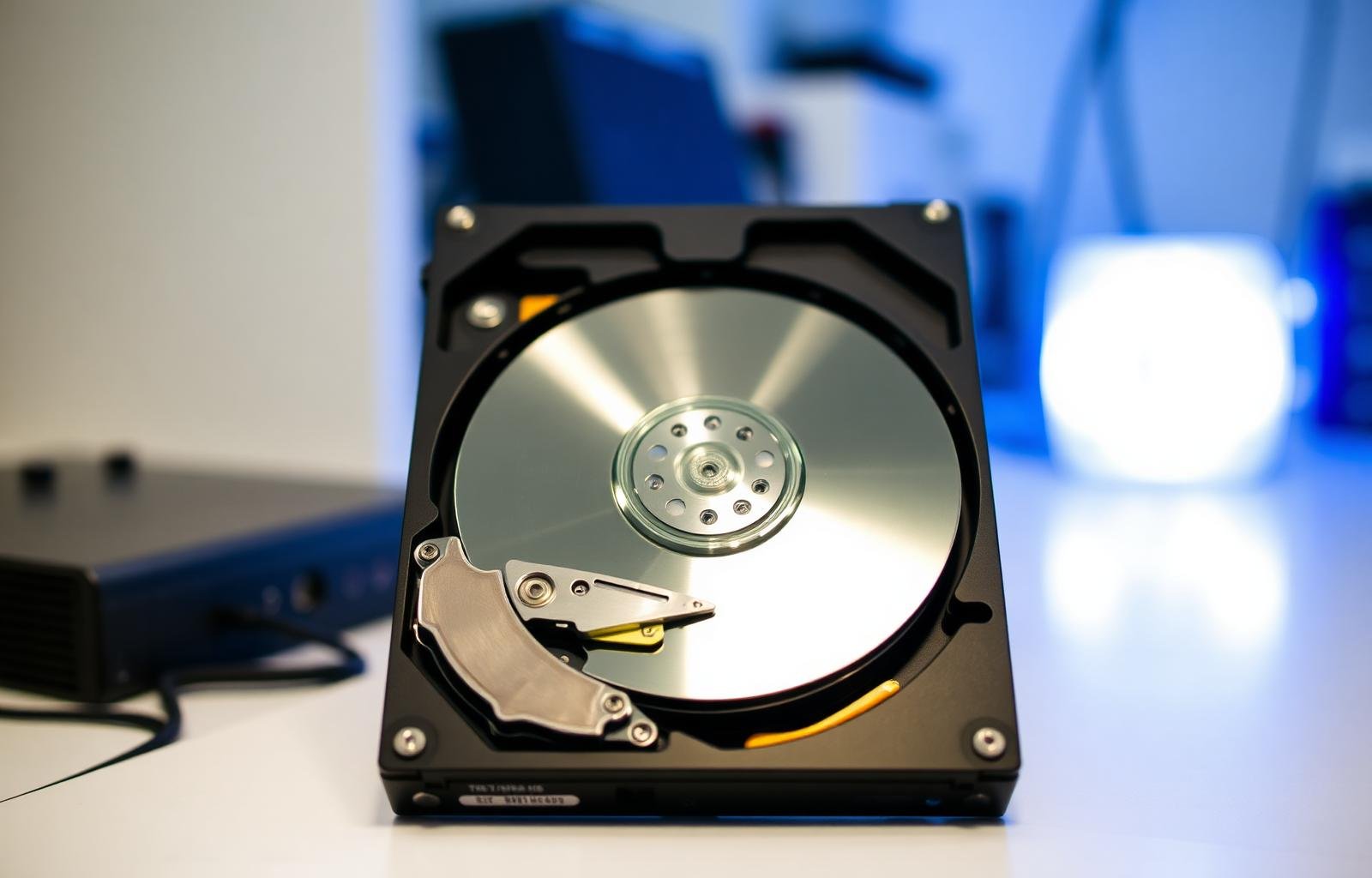
Head Replacement in Controlled Lab
Safe read–write head replacement performed in a controlled laboratory environment.
Key steps included:
- Safe platter stabilization
- Removal of damaged head stack
- Installation of calibrated donor heads
- Alignment verification
Firmware Module Repair
Firmware module repair and regeneration to restore stable disk communication.
This step ensured:
- Consistent LBA addressing
- Stable read operations
- Prevention of further degradation
Sector-by-Sector Imaging
Sector-by-sector imaging with adaptive head mapping for complete data capture.
Imaging was performed using:
- Adaptive read algorithms
- Head-by-head imaging strategy
- Error-managed retries
Logical Reconstruction
Logical reconstruction of recovered data — all procedures completed without overwriting or altering original data.
From the recovered image, we reconstructed:
- File system structures
- Directory hierarchy
- Individual files with integrity verification
Outcome of Data Retrieval
Why This SEAGATE Data Recovery Succeeded
This combination ensures maximum recovery success even in severe SEAGATE hard disk failures.
When You Need Professional Data Recovery
If your hard disk shows any of the following symptoms, immediate professional intervention is essential:
⚠️ Continuing to use a failing drive can permanently destroy recoverable data.
If your SEAGATE hard disk has failed, do not risk your data.
We provide trusted, professional SEAGATE data recovery services in Nashik with proven results and complete transparency.
Contact DEX Data Recovery Lab today for:
- Free diagnosis
- Certified clean-room recovery
- No Data – No Charge policy
- Trusted data recovery services across Maharashtra and India
📍 Nashik Service Coverage: Mumbai Naka, Nashik Road, Panchavati, Cidco, Satpur, and surrounding areas
📞 Consultation Available for Critical Data Loss Cases